
Tavoloo
    Feature · POS integration

    The order reaches your till. The bill comes back to the table.

    You already have a till system and you are not going to replace it. Tavoloo does not try to be your POS: it serves the guest and delivers the order into the system you already use. What the waiter rings up there shows up for the guest here.
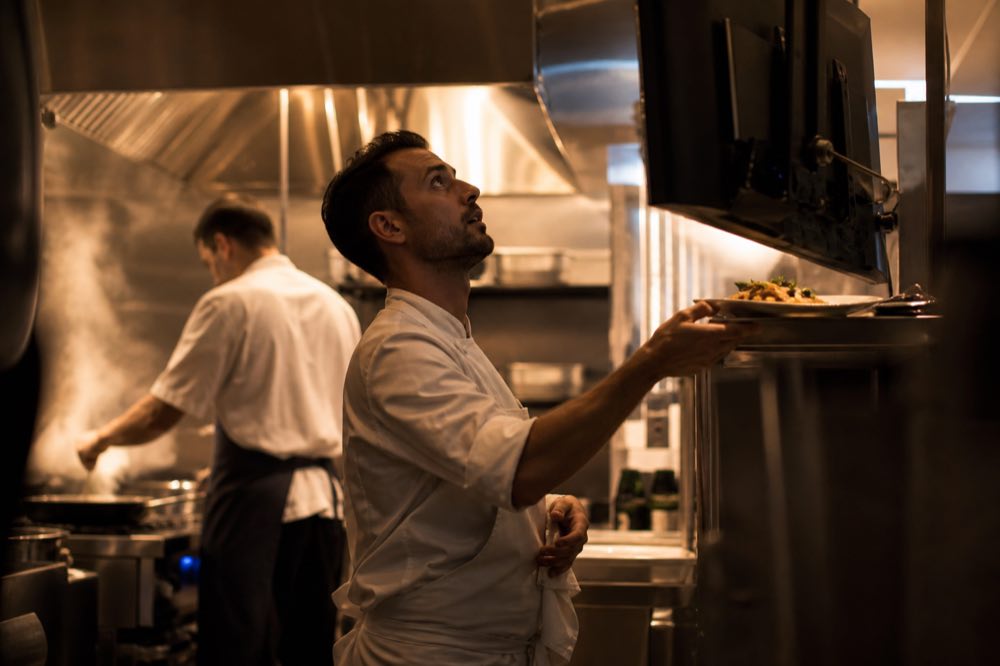
    A cook checking the order on the kitchen screen

    How it works

    1

    The guest orders through Tavoloo.

    The order placed at the table, through the QR, goes to your POS with the table number, the items and the notes. It reaches the printer or the kitchen screen like any other order.
    2

    The POS sends the progress back.

    When the kitchen starts and when the dish is ready, the guest sees it on their phone.
    3

    The table bill lives in one place.

    What the guest ordered through Tavoloo and what the waiter rang up in the POS appear together on their bill, with the total of what they have had so far.
    4

    Paid, and the table is free.

    When the bill closes at your till (at the counter or with the card machine at the table), the table shows as free in the Tavoloo panel.

    The till stays in charge of the till.

    Total, closing and tax receipt stay in your system, the way they are today. Tavoloo mirrors the bill for the guest and issues nothing.

    For the people running the floor

    Your numbers stay complete.

    What was rung up in the POS goes into the Tavoloo reports: revenue, most ordered dishes, average ticket per table and how much of the spend came through the app.

    App orders are not counted twice.

    What left Tavoloo and came back on the POS bill is recognised and added up only once.

    "Ask for the bill" reaches the floor.

    When the guest asks for the bill from their phone, the call reaches the waiter and the POS.

    Works with a cloud system or a till computer.

    If your POS has an address on the internet, it receives orders straight away. If it runs on a computer inside the restaurant, it fetches new orders by itself every few seconds.

    The POS code on every dish.

    In the menu setup you enter the code the dish has in your system, and the order arrives with the right product.

    Delivery history.

    In the panel you see every send, whether it arrived, and resend it with one tap if your system was down.
    The question you ask straight away

    "What about security?"

    One key per restaurant.

    Every integration has its own key, shown only once. You can rotate or revoke the key from the panel whenever you want.

    Signed messages.

    Every send from Tavoloo is signed, and your system checks that it came from us.

    The table bill protected by the QR.

    In strict mode, only whoever scanned that table QR sees its bill.

    Your guest does not become someone else's data.

    At the table, the guest's name and phone number do not go to the POS.

    For whoever looks after your till system

    Routes, events, payload examples and how to check the signature, all in one place.

    API technical docs

    One thing said plainly

    The integration is done by our team during setup, together with whoever looks after your till system. Every POS has its own way of receiving orders, so we confirm with you and with your system vendor before promising a date. If your system does not talk to Tavoloo yet, your operation keeps working as it does today, with the Tavoloo panel and kitchen screen.

    Tavoloo is currently available only in Brazil. Leave your contact and we'll let you know when it reaches your country.